Skip to content

Digital signage software – use cases

Display any content on screens in seconds!

Cloud-Based Digital Signage Software

\n\nSignage Rocket is a powerful, cloud based digital signage software that allows businesses to easily display any content on screens. The content can be simple such as a video or an image, or the most complex data-driven application. Signage Rocket also makes it easy to manage and monitor large numbers of displays.  All in real-time!


Signage Rocket is a cloud based, digital signage platform with its main focus on simplicity and ease of use but at the same time offering great flexibility and performance. Ok, you might think now: buzz words, I’ve already heard it somewhere? Is it not what everybody else says nowadays?
\n
\nWith Signage Rocket creating beautiful and engaging content for your screens is dead simple. You can forget all about channels, layouts, zones, complex graphic interfaces. Do you really need a digital signage degree to put content on a screen? Not anymore!
\n
\n

Smart Apps for Every Screen

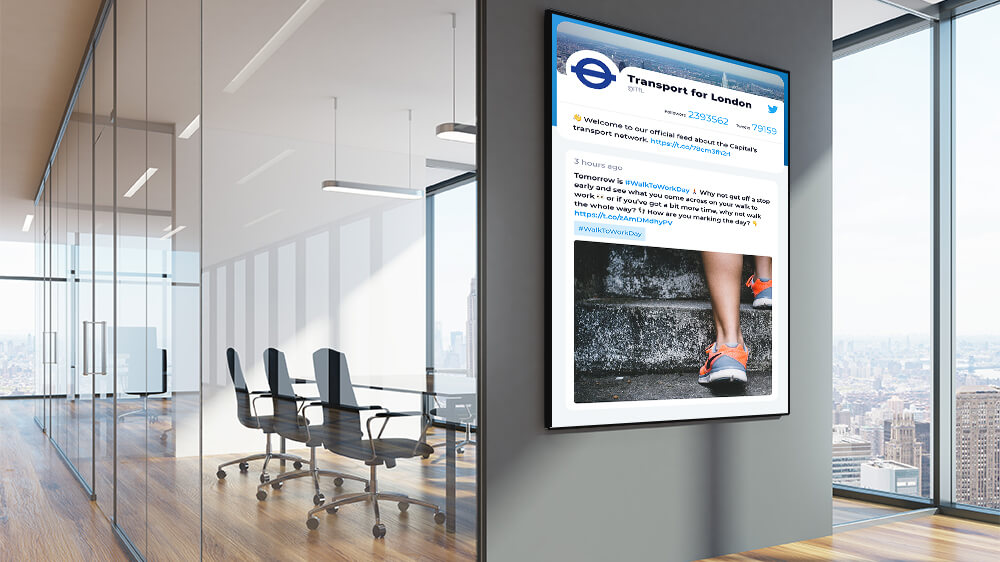
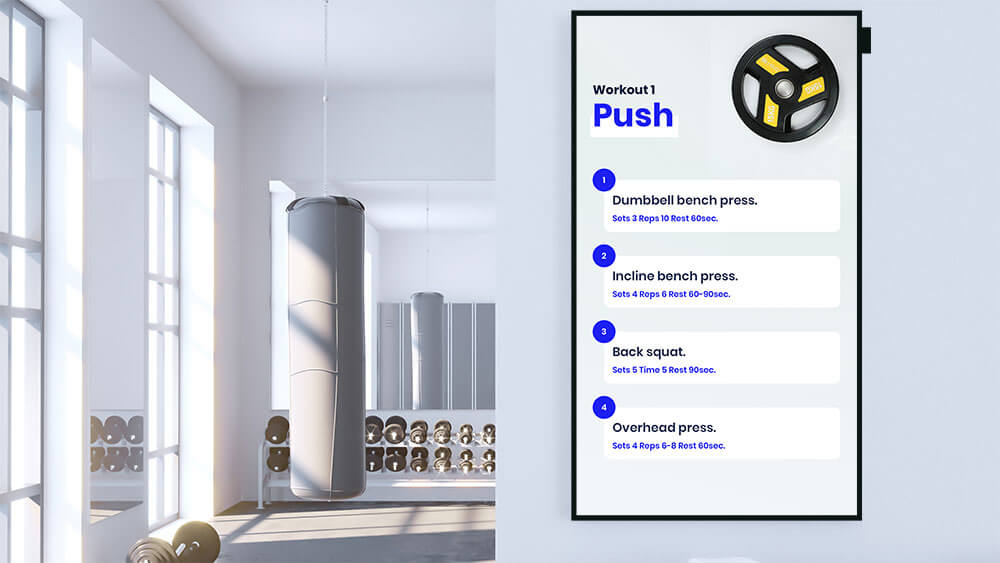
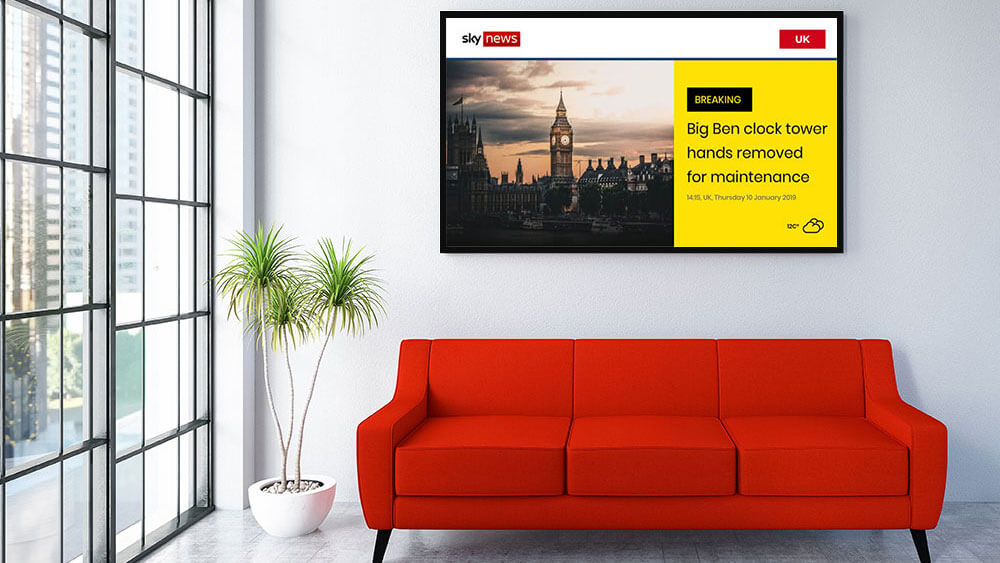
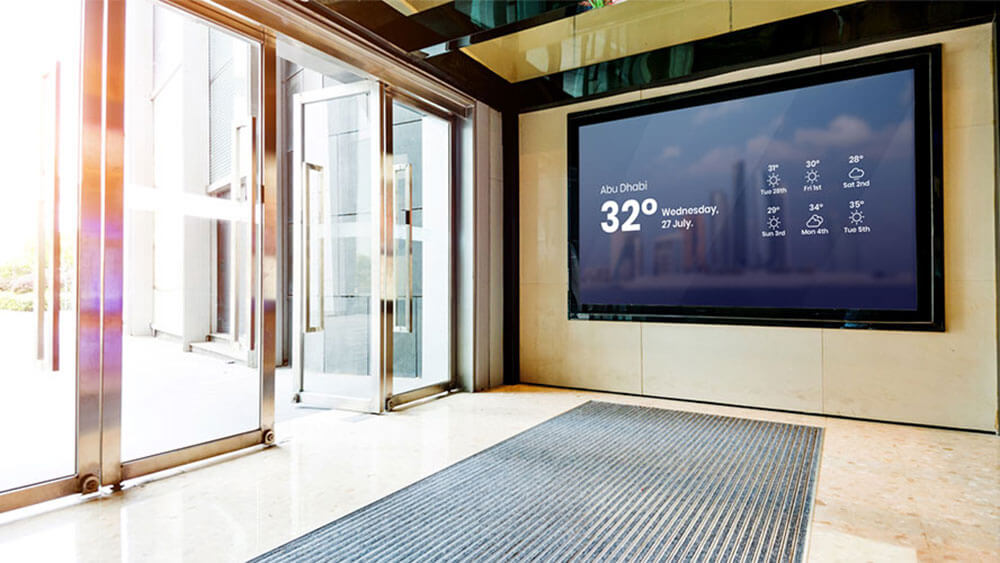
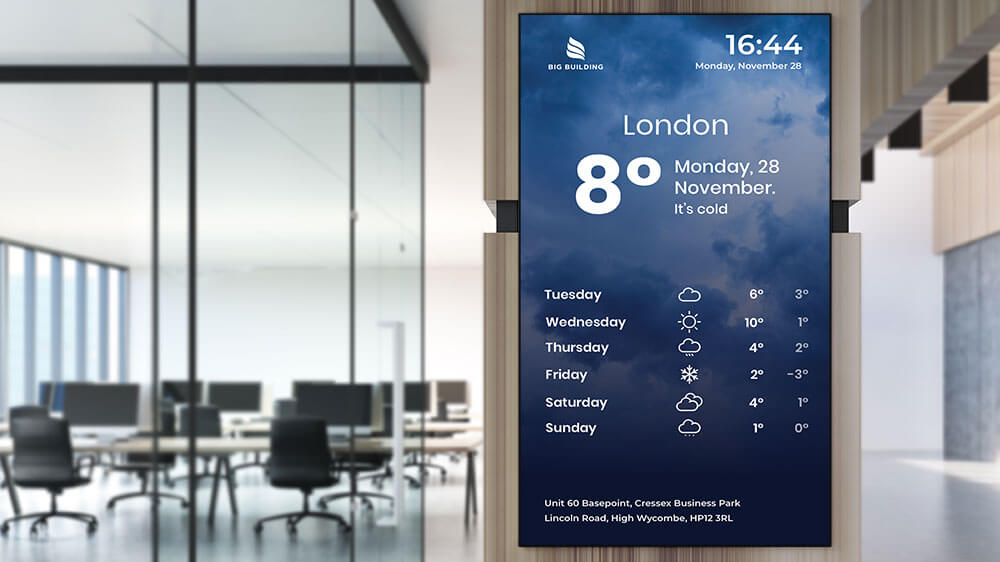
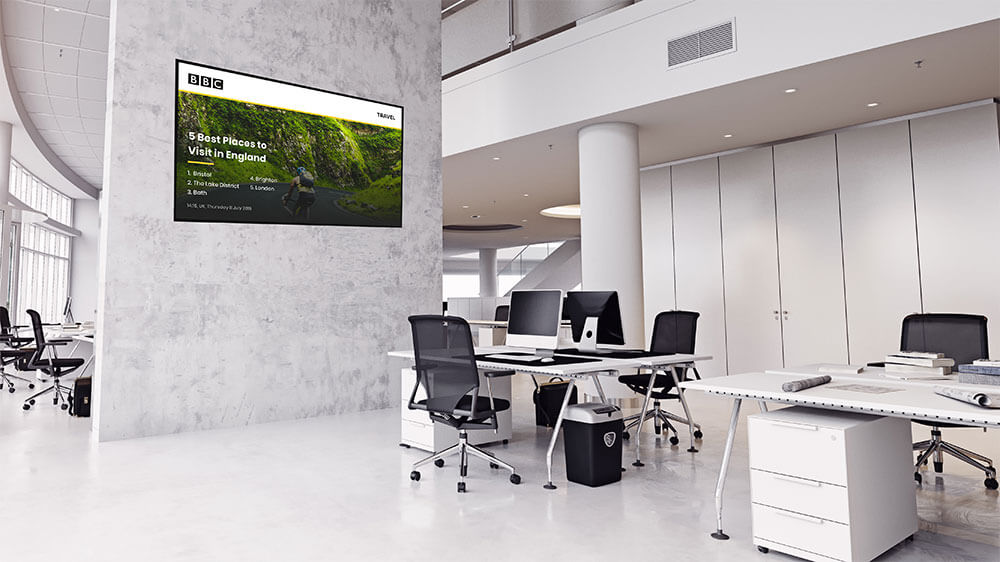
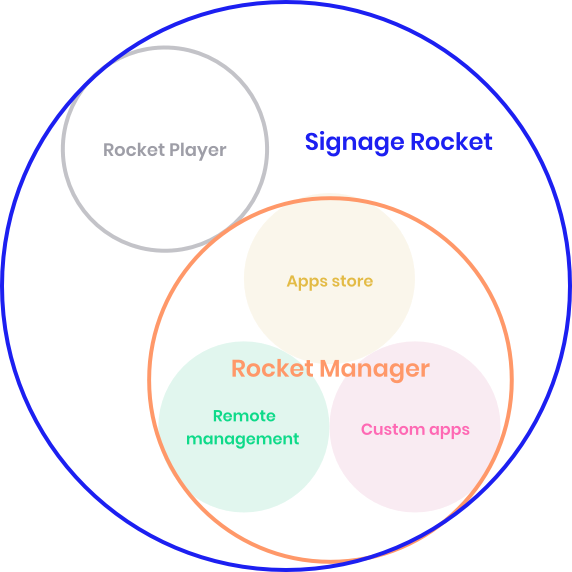
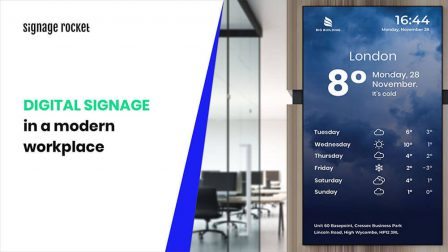
\n\nWe are all about apps. Our smart apps are standalone, single-purpose HTML5 applications that allow you to display dynamic content on your screens in seconds, without any training or design skills. Just to give you an example: it could be a News app – showing the latest news from BBC, CNN, Sky – you name it! It could be a Weather app – showing current weather forecast or a Twitter application – displaying the latest tweets from any timeline or hashtag. What’s more, our app store is constantly growing! Maybe you have an idea for a new digital signage application let us know and you’ll see it on our platform soon!
\n
\nSo what’s so cool about our apps?
\n

    \n \t
  • First of all – they all look good and can be customized in just one click!
  • \n \t

  • They will also ‘automagically’ adjust to your screen so you don’t need to worry about the screen size or whether it’s in landscape or portrait mode
  • \n \t

  • You can choose from a dark or light theme, or add active corners without spoiling the design! – for instance to the corner of each app you can add your own text, weather update, logo or current date or time
  • \n

\nOn top of that with Signage Rocket, you don’t need to re-publish content to your screens each time you make a change inside the application e.g. you can add images or videos and they will appear on the screen right away and all the changes are seamless!
\n
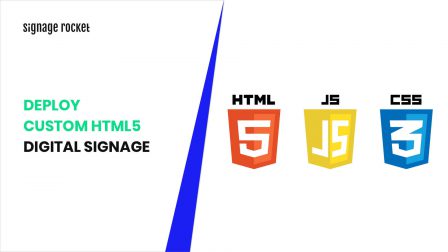
\nWould you like to deploy your own HTML5 application to screens? Not a problem! With Signage Rocket it’s as easy as pie! no need to worry about complex, time-consuming 3rd party integration. All you need is just 60s to deploy your own code to the screens!
\n
\n

Device-Agnostic Hardware Support

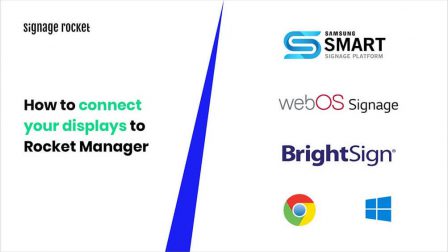
\n\nWhat about the hardware? In digital signage, various type of devices can be used and all of them have different use cases. Signage Rocket is a device-agnostic platform and it runs on smart, professional digital signage displays with System on Chip (SoC) so no additional media player is required. The SoC displays include e.g. Samsung Smart Signage Platform or LG webOS. On top of that Signage, Rocket runs on Brightsign players, Windows as well as Chrome!
\n
\nOk, your screens are live! And now you want to know in real-time whether your displays are always playing the right content, that they are not overheating, that they haven’t lost the internet connection. You might want to save energy by putting all your screens to sleep at certain times, remotely update the software so you’re always running its latest version. With Signage Rocket you can do it all remotely, manage and monitor all your displays from one single dashboard in just one single click.
\n
\nAnd last but not least: SIMPLICITY & PERFORMANCE are important to you but you’re after a digital signage software that can be easily tailored to YOUR needs, opposed to just another off the shelf product. If that’s the case Signage Rocket would be a great choice!
All-In-One
digital signage platform
  • built-with-the-user-in-mind Built with the user in mind
  • real-time-management Real-time management
  • data-driven Data-driven
  • large-network-management Large network management
  • fast-infinitely-scalable Fast & infinitely scalable
Device monitoring

Keep your network of screens running smoothly with REAL-TIME device monitoring. Easily access device information, performance stats and remotely adjust your display’s settings.

Find out more

group-2
What are the main use cases for digital signage?

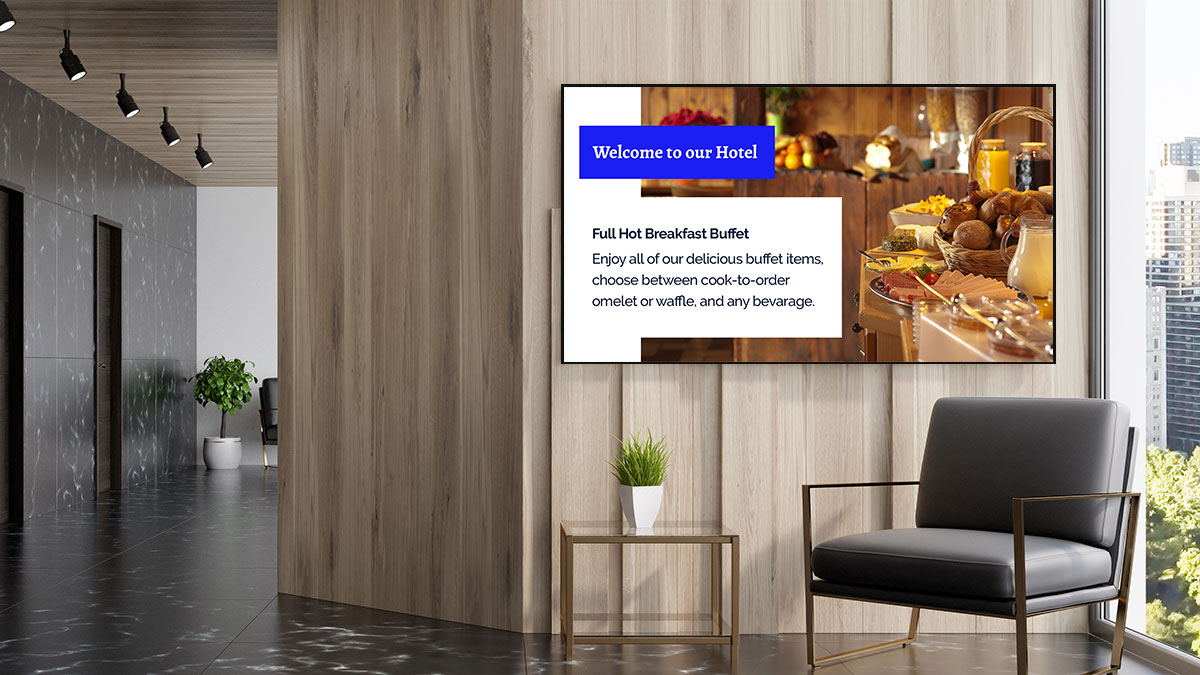
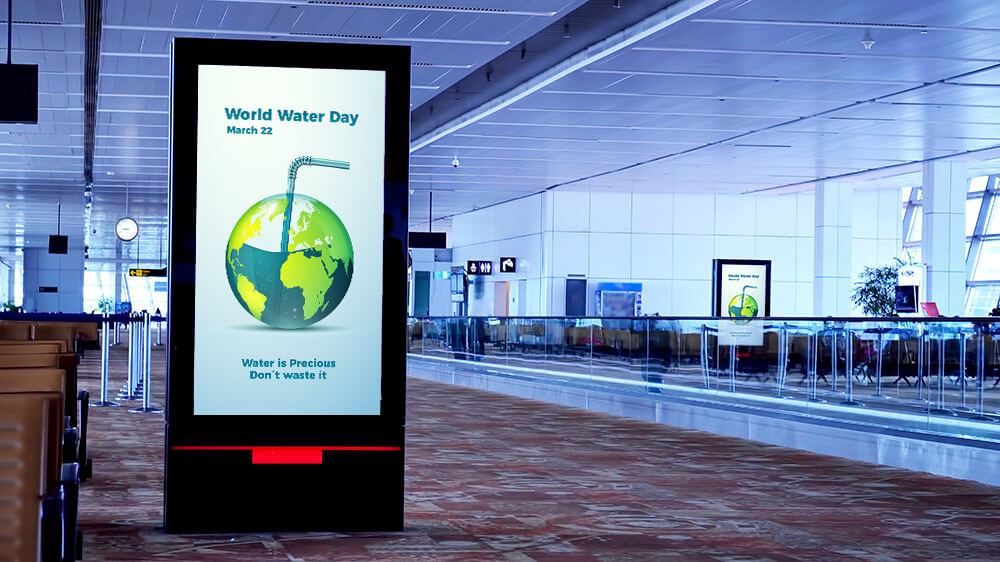
Retail advertising, corporate communications, hospitality information, transport schedules, restaurant menus, education displays, healthcare waiting rooms, and more.

What is cloud-based digital signage software?

Cloud-based digital signage software lets you manage content on remote screens from any web browser. Unlike on-premise solutions, there are no servers to install or maintain — content, scheduling, and monitoring are all handled through a cloud dashboard. Signage Rocket runs on Samsung SoC, LG webOS, BrightSign, and Windows devices.

How does cloud digital signage work?

You install a lightweight player app on your display (or use a built-in SoC chip on Samsung/LG screens). The player connects to the cloud platform, downloads content, and plays it. You manage everything — apps, schedules, monitoring — from the Rocket Manager web dashboard. Content updates push automatically; if the display loses internet, cached content keeps playing.

What displays work with cloud-based digital signage?

Signage Rocket supports Samsung Smart Signage (Tizen SSSP), LG webOS commercial displays, BrightSign media players, Windows PCs, and Chrome devices. Samsung and LG SoC displays don’t need a separate media player — the Rocket Player app runs directly on the display’s built-in chip.

What are the best digital signage use cases for retail?

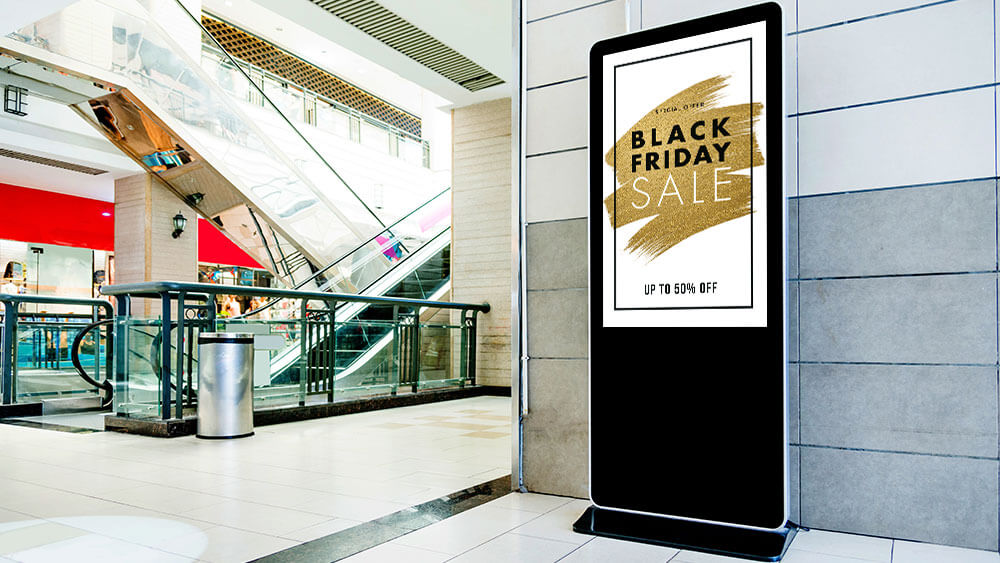
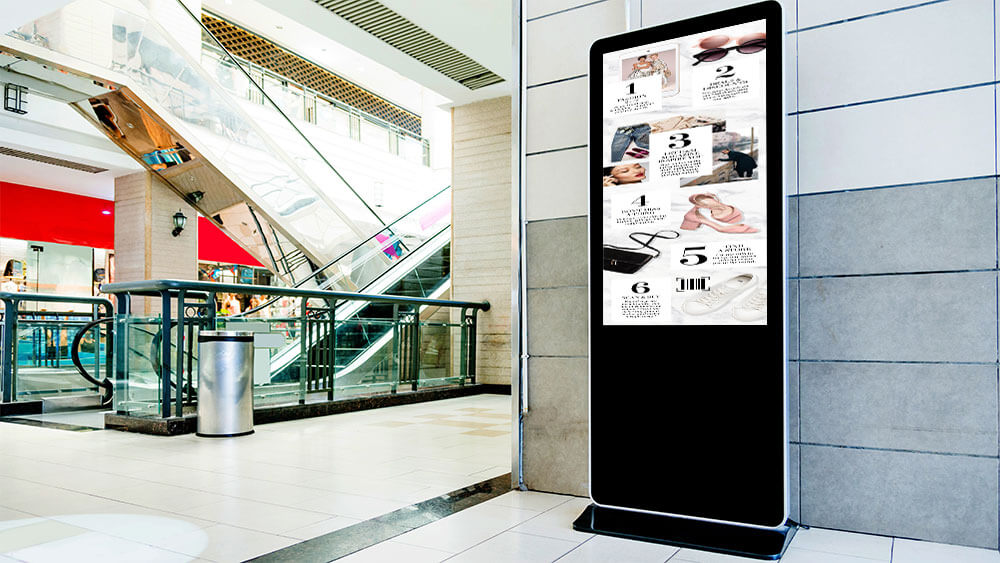
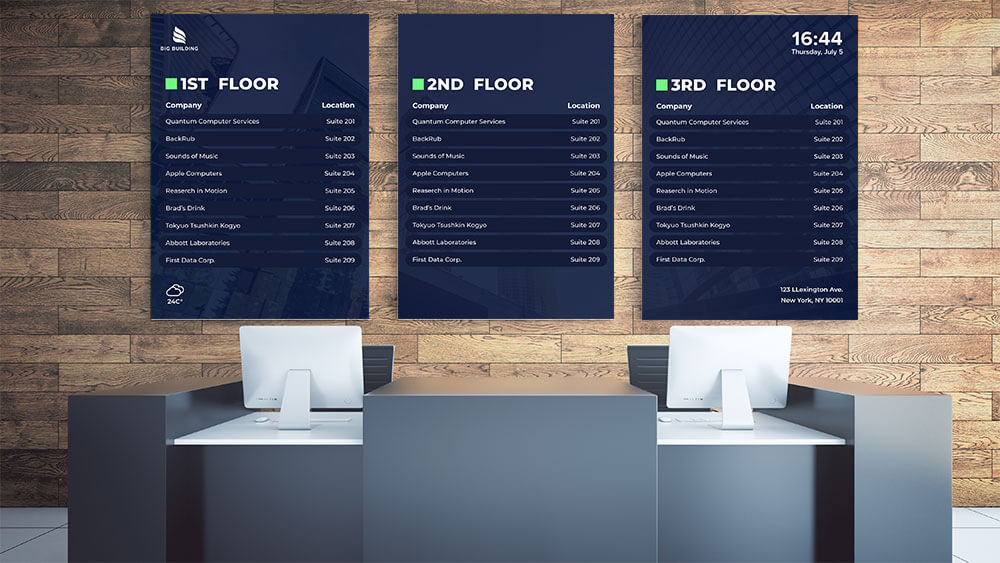
Retail is one of the most popular digital signage verticals. Common use cases include in-store promotions and offers, menu boards in food service, window displays to attract foot traffic, wayfinding in large stores, and product information screens. Signage Rocket’s app library includes templates for all of these scenarios.

How is digital signage used in healthcare?

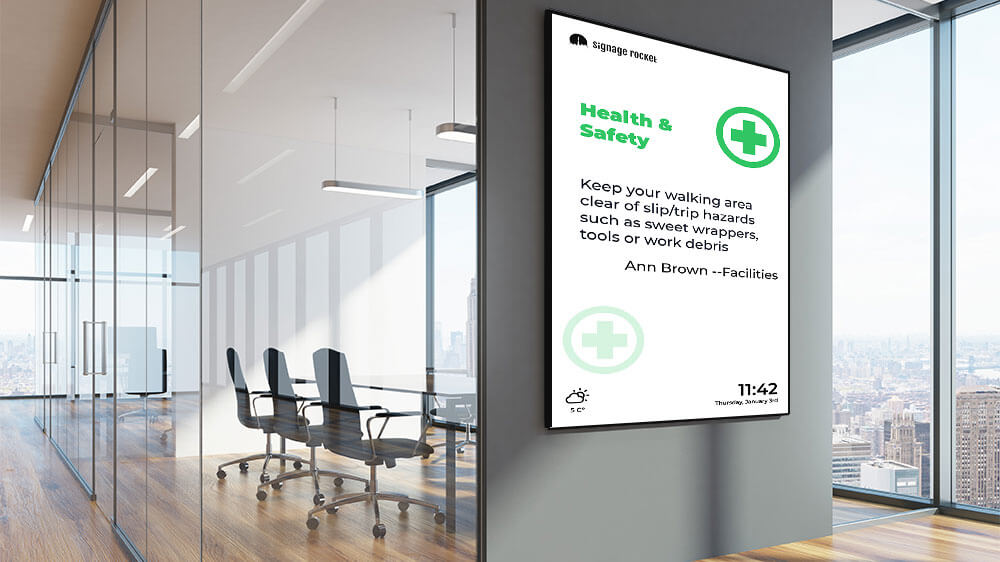
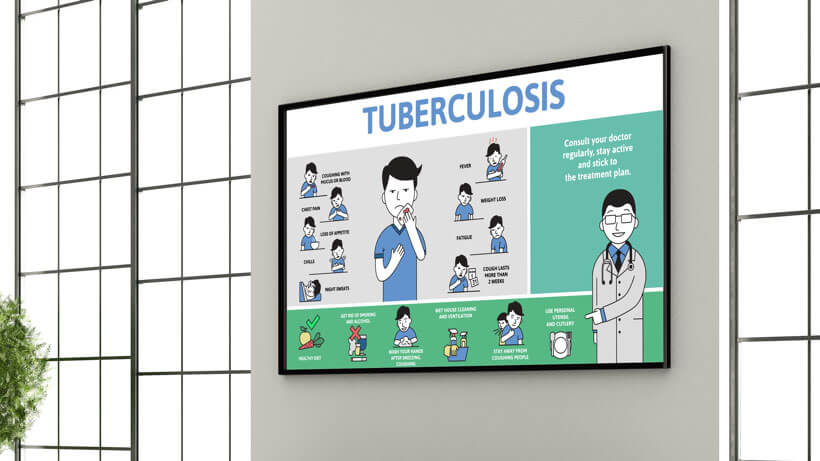
Healthcare facilities use digital signage for patient wayfinding, waiting room entertainment, appointment queue displays, health education content, and staff communication boards. The cloud platform allows different departments to manage their own screens independently while IT maintains central control.

What are digital signage use cases for education?

Schools, colleges, and universities use digital signage for campus wayfinding, event announcements, emergency alerts, canteen menus, timetable displays, and digital notice boards. Signage Rocket’s scheduling feature lets you show different content at different times — timetables during class hours, event promotions during breaks.

What makes Signage Rocket different from other digital signage software?

Signage Rocket is built for real-time performance at any scale. The app ecosystem approach means content is always up-to-date, and the platform works natively with SoC displays — no external media player needed.

How much does Signage Rocket cost?

Signage Rocket offers flexible pricing plans starting from a free trial. Visit our pricing page to see plans tailored for small businesses, enterprises, and custom deployments.

What are active corners?

Active corners are small overlay widgets that appear in the corners of your digital signage display. They can show useful information like the current time, date, weather forecast, or your company logo — all while your main content plays in the background.

Do apps update automatically on displays?

Yes. When you make changes to an app in the Signage Rocket dashboard, the updates are delivered to your displays seamlessly — no need to republish or manually refresh the screen. The Rocket Player on each display picks up changes automatically.

What is System on Chip (SoC) digital signage?

System on Chip (SoC) displays have a built-in processor, so they can run digital signage software without an external media player. Think of it as a smart TV you have at home — but running a single-purpose app: digital signage. Professional displays from Samsung (Smart Signage Platform) and LG (webOS) include SoC technology, giving you an all-in-one digital signage solution that is simpler to install and maintain.

What is cloud-based digital signage?

Cloud-based digital signage means the software that manages your screens runs in the cloud — not on a local server. You log in from any browser to create content, assign it to displays, and monitor everything remotely. Signage Rocket is a fully cloud-based platform, so there is nothing to install on your computer and no server to maintain.

How does cloud digital signage differ from on-premise solutions?

On-premise digital signage requires a local server to store content and manage displays. Cloud digital signage moves everything online — content storage, scheduling, device management, and monitoring all happen in the cloud. The advantages are lower upfront cost, automatic updates, remote access from anywhere, and no server maintenance. The Rocket Player on each display handles local caching so content plays even if the internet connection drops temporarily.

What are the best digital signage use cases for retail?

Retail is one of the most popular digital signage verticals. Common use cases include in-store promotions and offers, menu boards in food service, window displays to attract foot traffic, wayfinding in large stores, and product information screens. Signage Rocket’s app library includes templates for all of these scenarios.

How is digital signage used in healthcare?

Healthcare facilities use digital signage for patient wayfinding, waiting room entertainment, appointment queue displays, health education content, and staff communication boards. The cloud platform allows different departments to manage their own screens independently while IT maintains central control.

What are digital signage use cases for education?

Schools, colleges, and universities use digital signage for campus wayfinding, event announcements, emergency alerts, canteen menus, timetable displays, and digital notice boards. Signage Rocket’s scheduling feature lets you show different content at different times — timetables during class hours, event promotions during breaks.

What are the best digital signage use cases for retail?

Retail is one of the most popular digital signage verticals. Common use cases include in-store promotions and offers, menu boards in food service, window displays to attract foot traffic, wayfinding in large stores, and product information screens. Signage Rocket’s app library includes templates for all of these scenarios.

How is digital signage used in healthcare?

Healthcare facilities use digital signage for patient wayfinding, waiting room entertainment, appointment queue displays, health education content, and staff communication boards. The cloud platform allows different departments to manage their own screens independently while IT maintains central control.

What are digital signage use cases for education?

Schools, colleges, and universities use digital signage for campus wayfinding, event announcements, emergency alerts, canteen menus, timetable displays, and digital notice boards. Signage Rocket’s scheduling feature lets you show different content at different times — timetables during class hours, event promotions during breaks.

Our latest videos

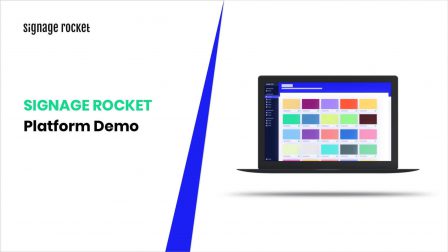
Find out what digital signage is, learn how to easily display engaging and dynamic content on your screens. Keep up to date with Signage Rocket new features and functionalities.